About the LCD Dash Display
The most common question regarding the dash display is “will it work on a stock Mx6?” the answer is NO.
Well then what is it and what can it be used on ?
The dash display was built to be an addition to an 1993-1997 Mx6 ( all engine and trans models) equipped with an aftermarket ECU capable of using Tunerstudio software. It was primarily designed around a megasquirt Ecu but its capable on any ecu using tunerstudio or tunerstudio canbus outputs.
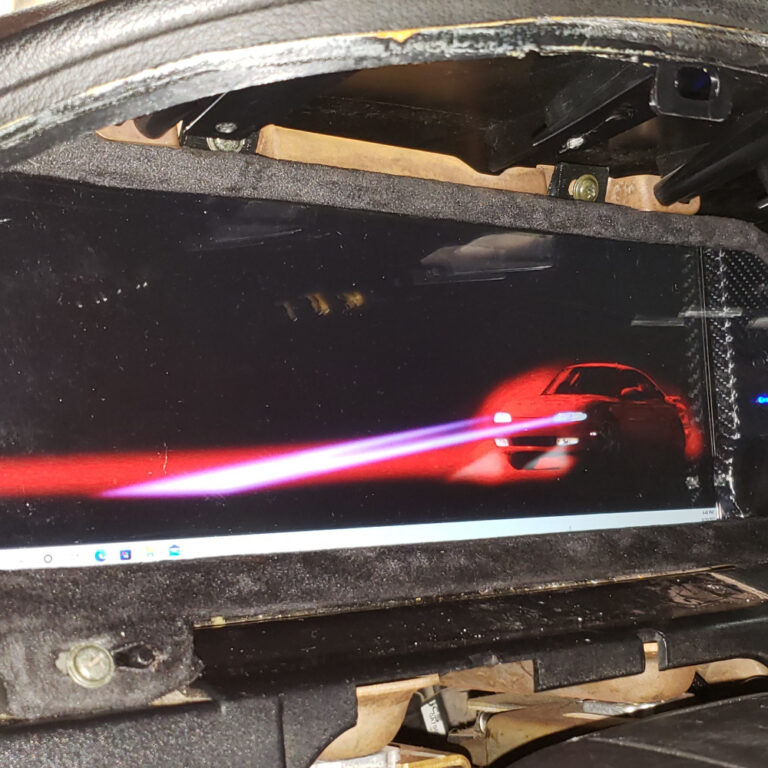
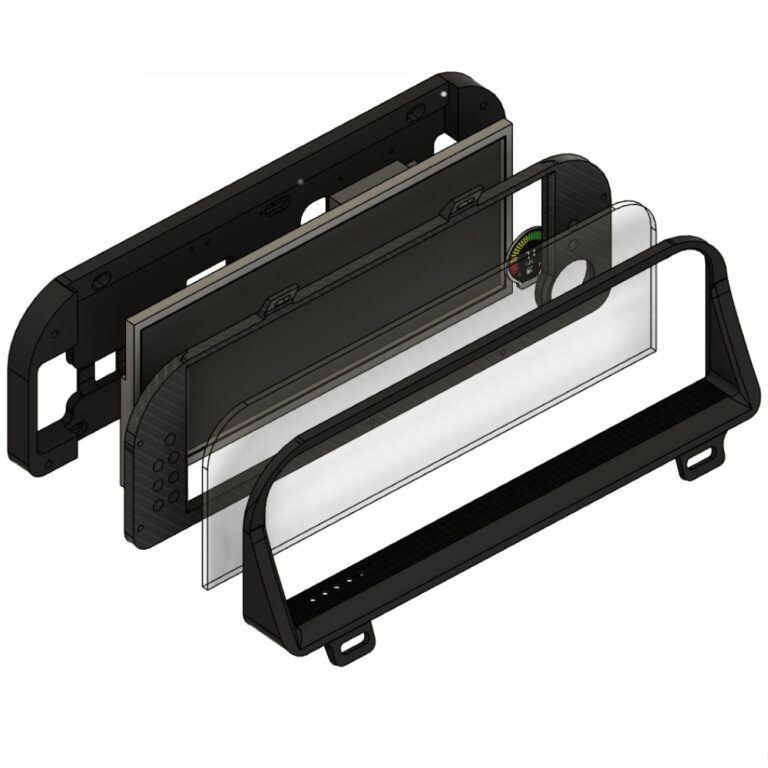
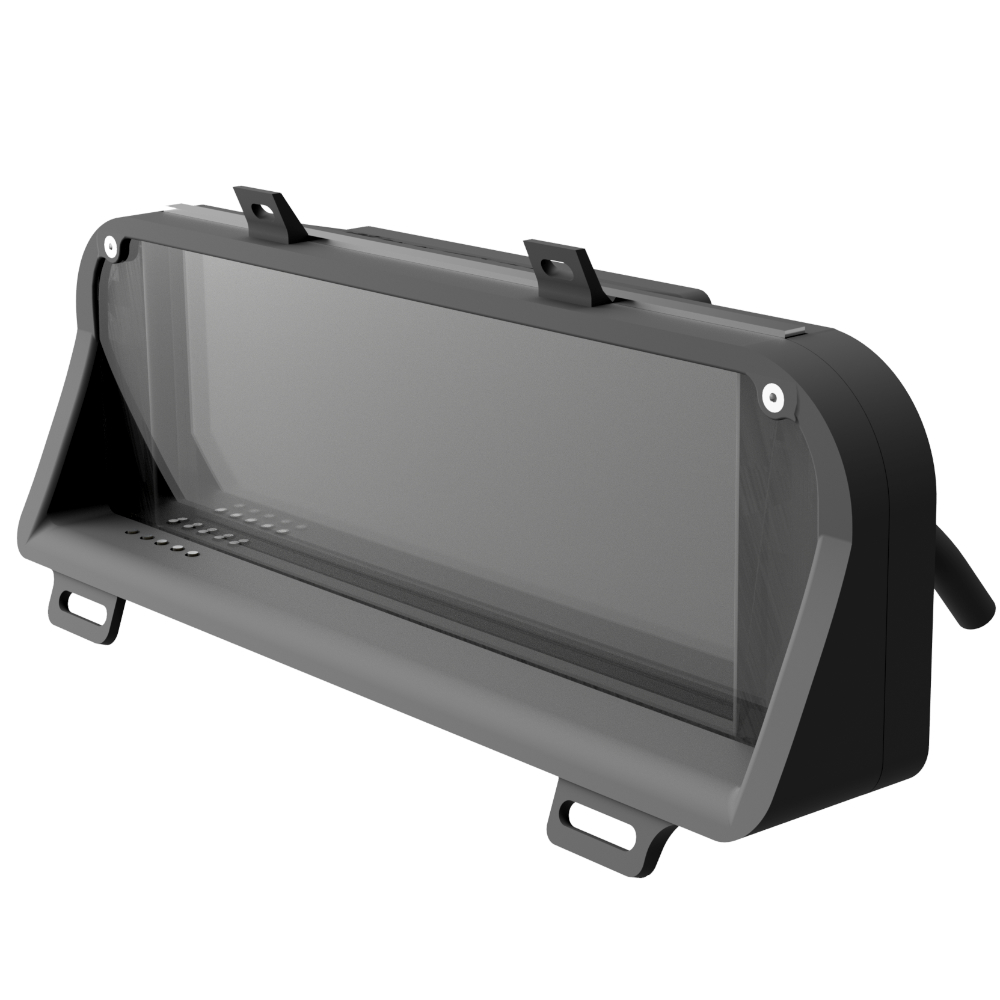
The King6fab dash display in the most basic explanation is an elegant way to hold a LCD screen with indicators in the factory gauge cluster position.
It was designed to look like it could have been a factory option, unlike other displays that look racer inspired with minimalist look often being affixed on top of a dashboard.
The dash display is simply a way to hold a LCD screen, it does not feature any software or tuning capabilities alone.
A way of thinking about it is, consider the dash display as comparable to a monitor you would buy for your desktop pc. Once you have the monitor you will need a device such as PC, Streaming stick, phone, gaming station, etc to display what you want on the monitor.
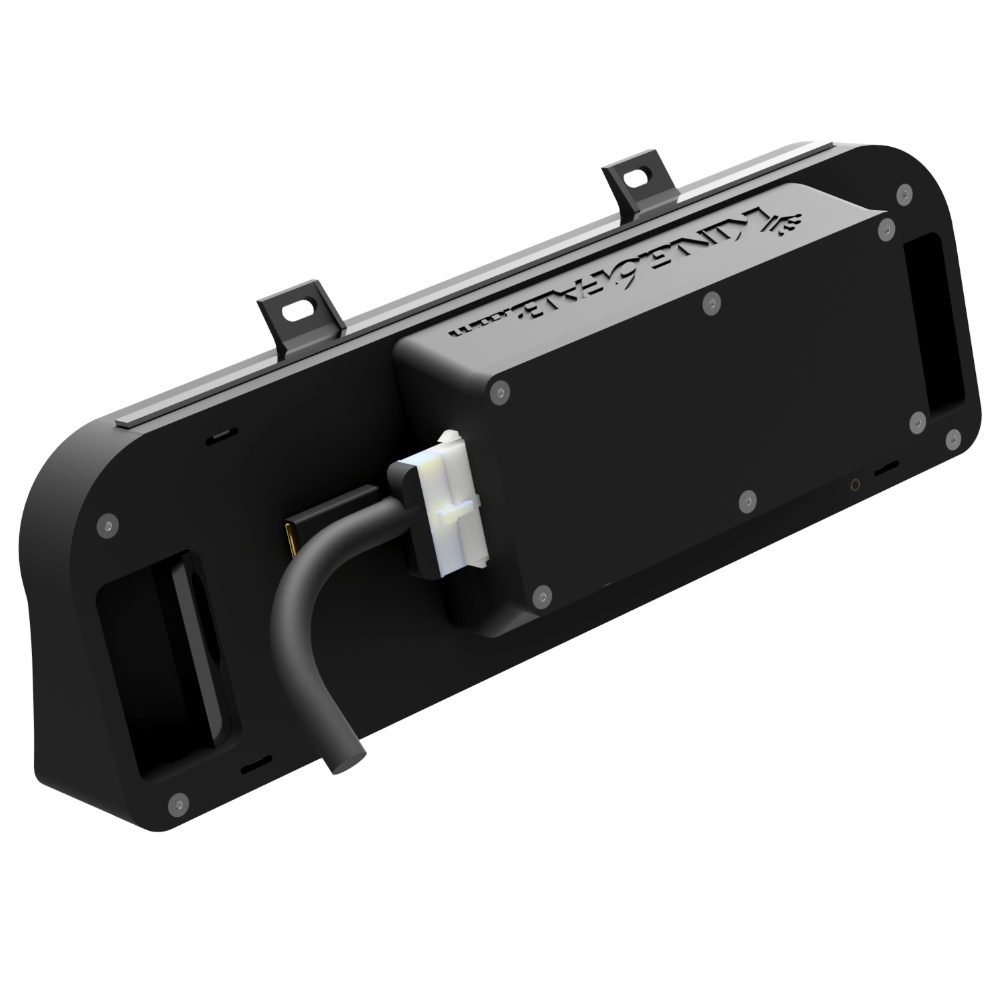
So the dash display is basically a computer monitor in my car that displays whatever I plug into it, what do I need for it to show gauges?
This is where the versatility comes into play:
- You can utilize a tablet with tunerstudio or shadow dash to mirror to the dash display via HDMI cable.You can display gauges and tune right on the dash.
Pros: Often cheap if you already have a tablet.
Cons: You will need to manually initialize the software every time and set your screen to mirror. The touch screen is not friendly for tuning. Battery life of the tablet may be a concern.
- You can utilize a mini pc with tunerstudio to mirror to the dash display via HDMI cable. You can display gauges and tune right on the dash.
Pros: Often cheap if you already have a laptop, convenience of mouse and keypad on laptop.
Cons: You will need to manually initialize the software every time and set your screen to mirror. Relying on laptop battery life for your dash.
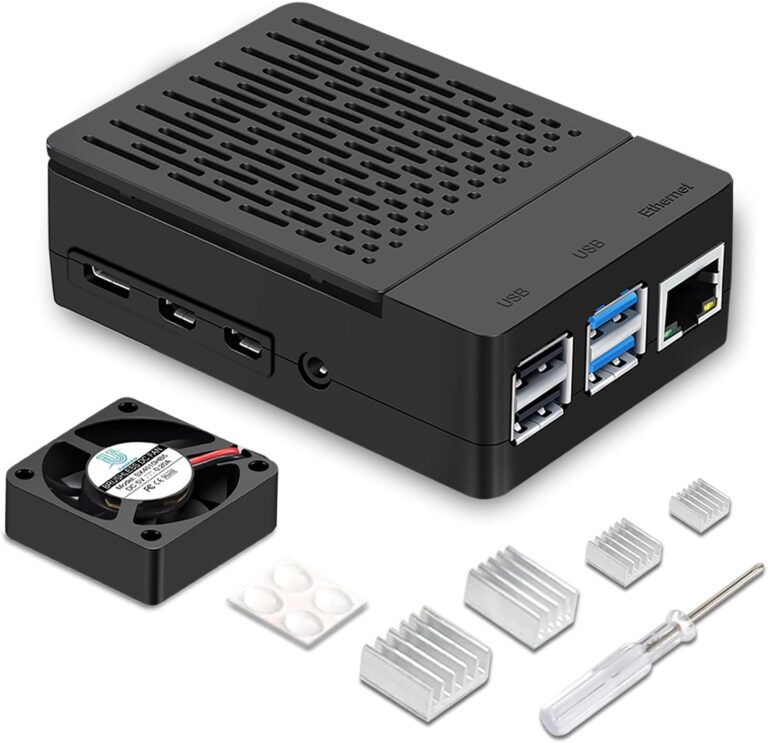
- The best option is you can use a Raspberry PI with TSDASH software that allows you to run the gauges independently.
Pros: The dash display will boot up with your gauges automatically when the ignition is turned on.. The PI runs off your car battery. You can connect with a laptop wirelessly to the PI simultaneously with the gauges running and tune in the background. You can tune right on dash display by switching it from TSDash to Tunerstudio. You can even trigger and look at datalogs.
Cons: Costly, intricate and a little complicated with not that good of documentation.
You’re getting excited, but wondering what’s capable of such a setup?
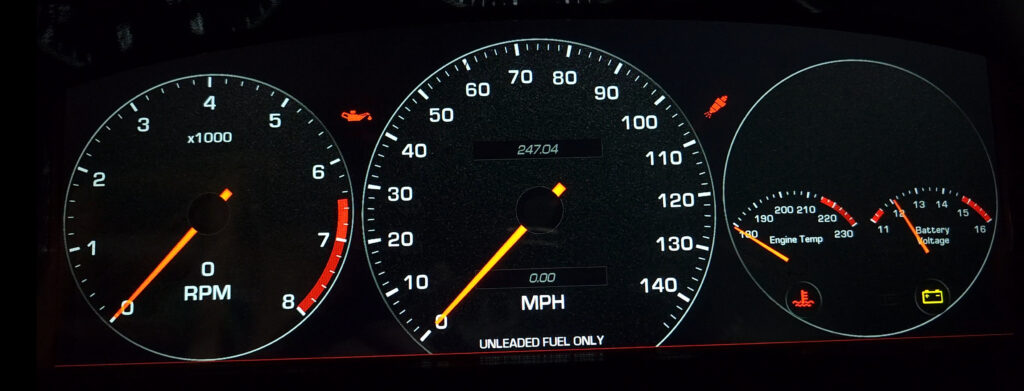
- With the full paid version of Tunerstudio you can create your own gauge layouts with as many variations and designs of gauges that you can imagine.
- You can connect a GPS and design a layout to display estimated power, mpg and performance.
- If your technically savvy you can create apps on the PI that can be displayed, the TSDash Software runs on PIos.
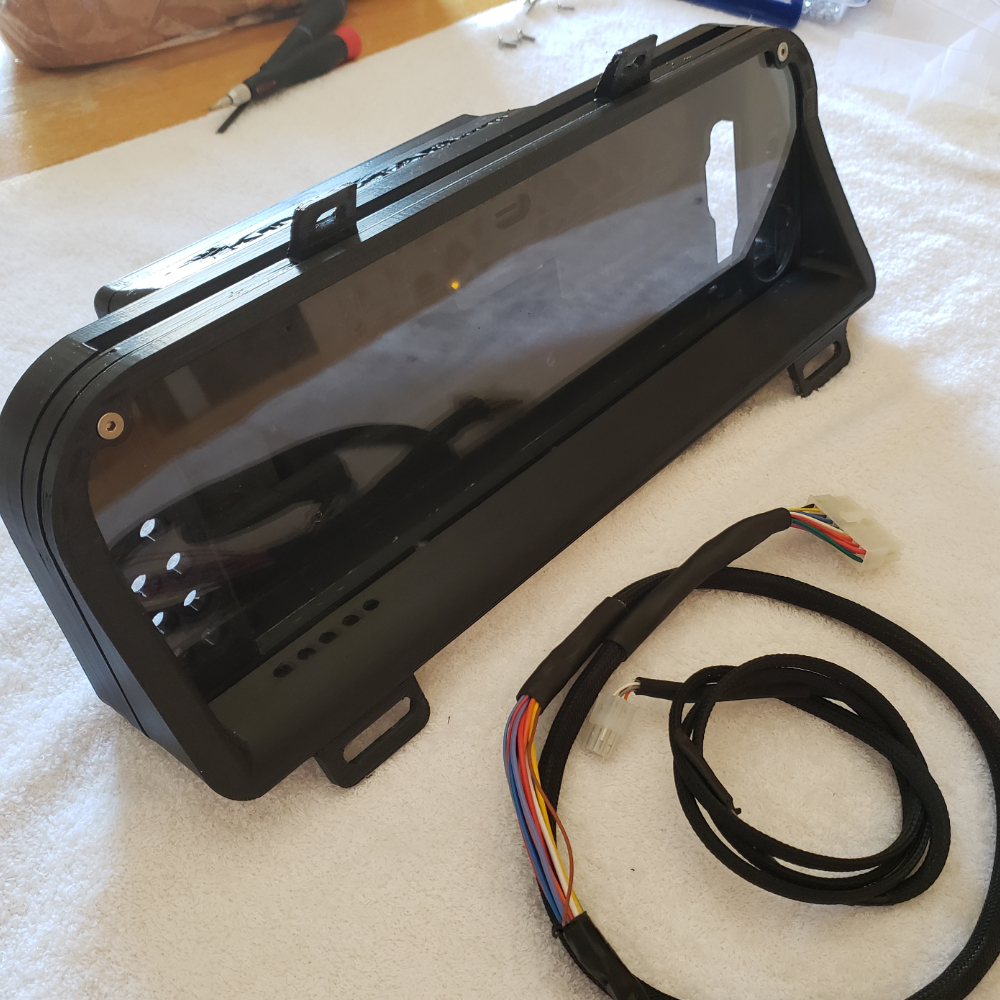
What the LCD Dash Display Build Files Include’s
The build files only contain information to create the dash display.
It includes:
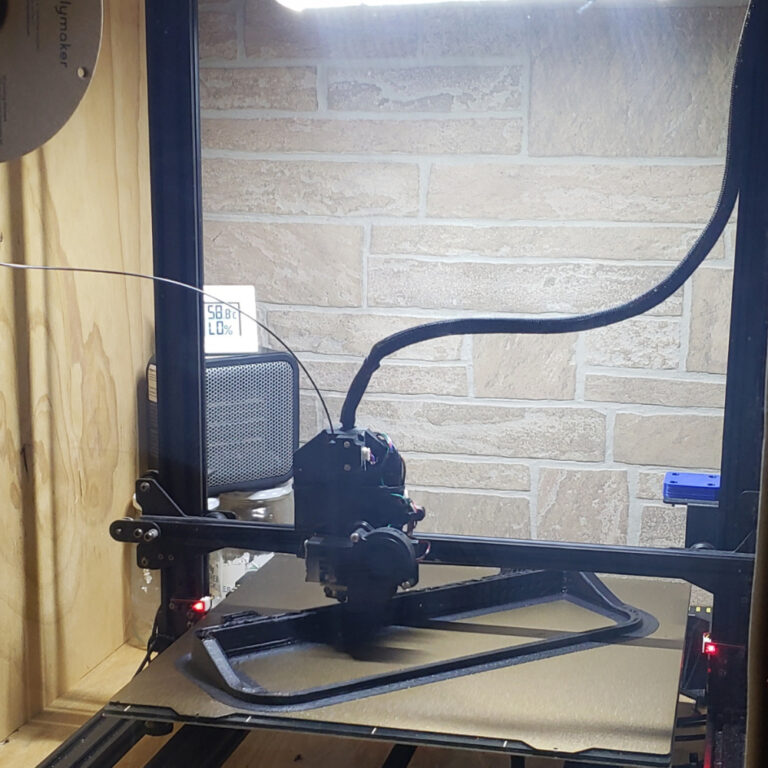
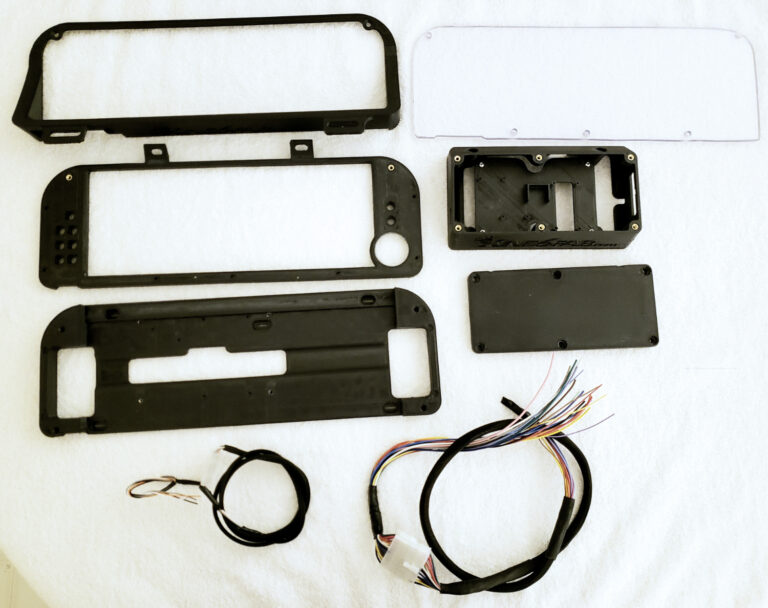
- 3D Print Files to print the Dash display
- DXF File for the dash display
- Documentation of the print files
- Parts Needed Purchase List
- Assembly Guide
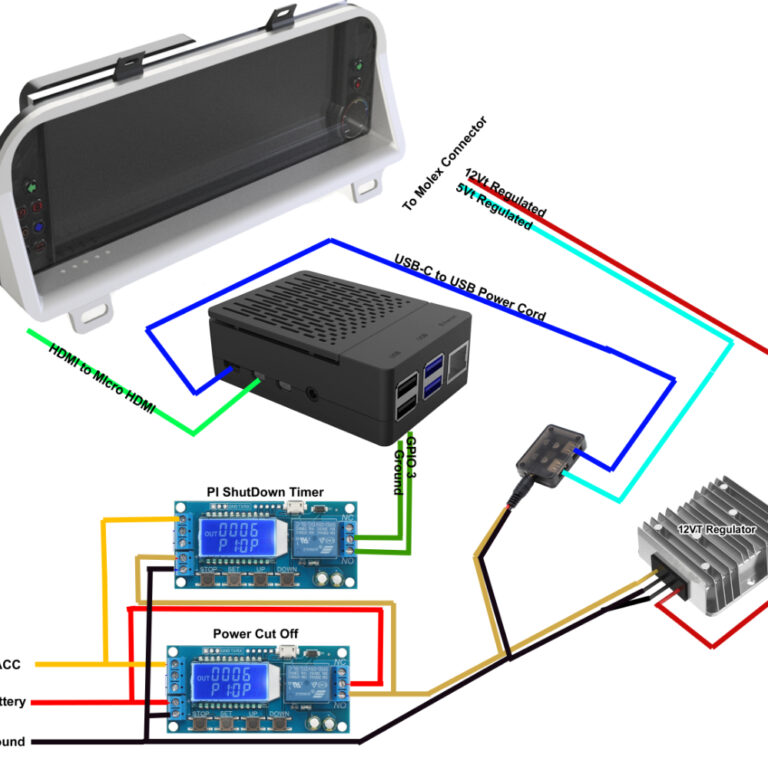
- Pictorial Wiring Diagram of basic wiring (software indicators)
- Pictorial Wiring Diagram of advanced wiring ( external indicators)
In the Print files are variations for the display that offer:
- External LED Indicator options
- Software driven indicator options
- Screen Protector Options
Features:
- The LCD display is designed to fit into the factory gauge cluster mounting location on a 1993-1997 Mazda Mx6 ( all engine and trans types )
- Robust design accommodates wiring, external indicators, a screen protector and space for options.
Requirements
- Please see the parts purchase list to determine what this may cost you to build
- To Print the dash display you will need:
A printer capable of printing up to 15.50” x 6” (393mm x 153mm).
A printer capable of printing in materials such as ABS,ABS-GF,ASA or PETG
- Experience with 12 volt electrical
How useful was this post?
Click on a star to rate it!
Average rating 0 / 5. Vote count: 0
No votes so far! Be the first to rate this post.
We are sorry that this post was not useful for you!
Let us improve this post!
Tell us how we can improve this post?