




Similar Posts
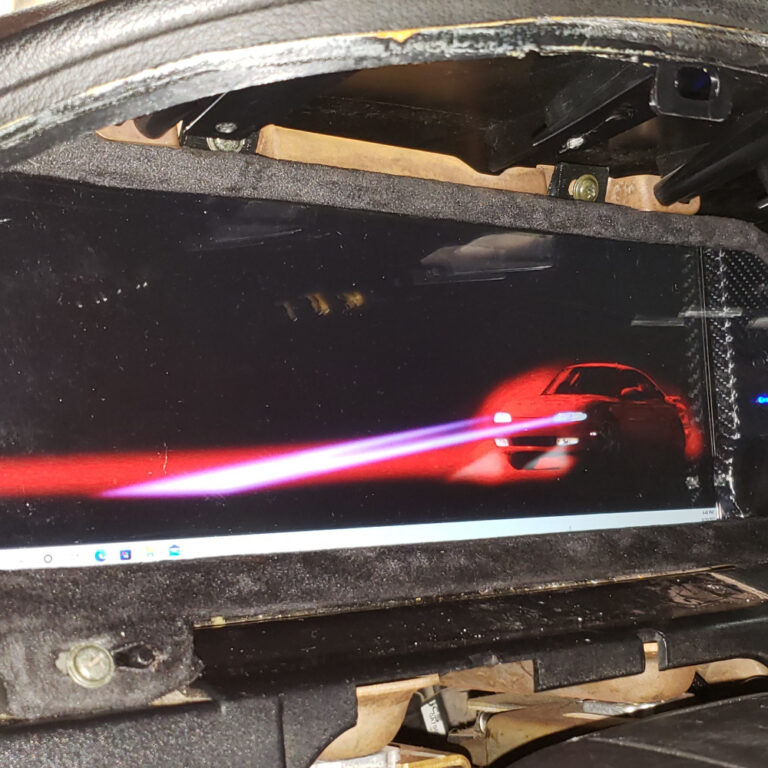
4. Vehicle Installation Guide
Vehicle Installation It is recommended to bench test your Dash Display if your able to. This can be done by simply connecting the Screen power input to 12volts and plugging the…
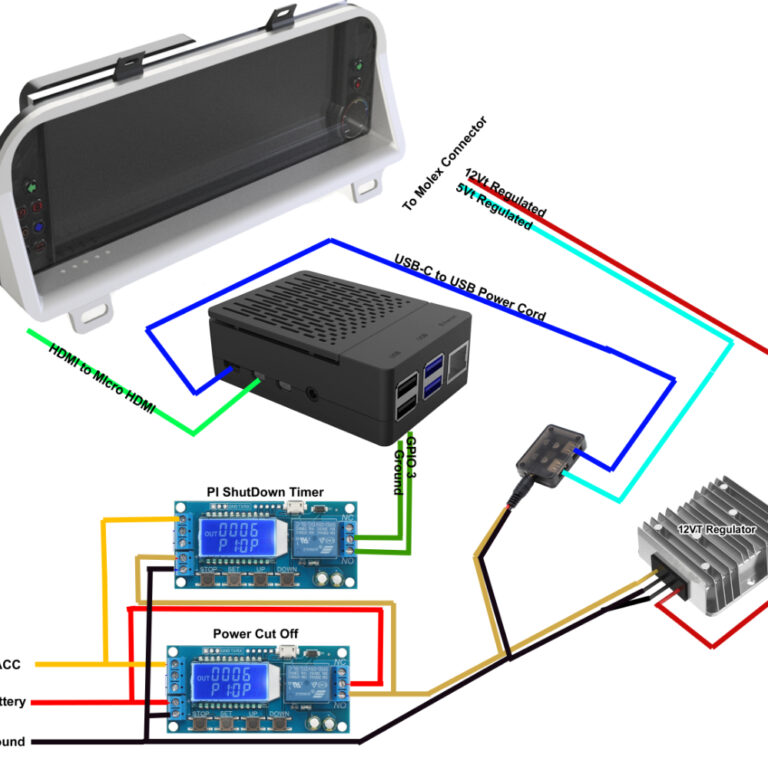
5.Dash Display Wiring Diagrams
Below is the pinout of the stock gauge cluster connectors by connector color and orientation. This information can be utilized for connecting external and software driven indicators. OEM Gauge Cluster Connector…
0. About The LCD Dash Display
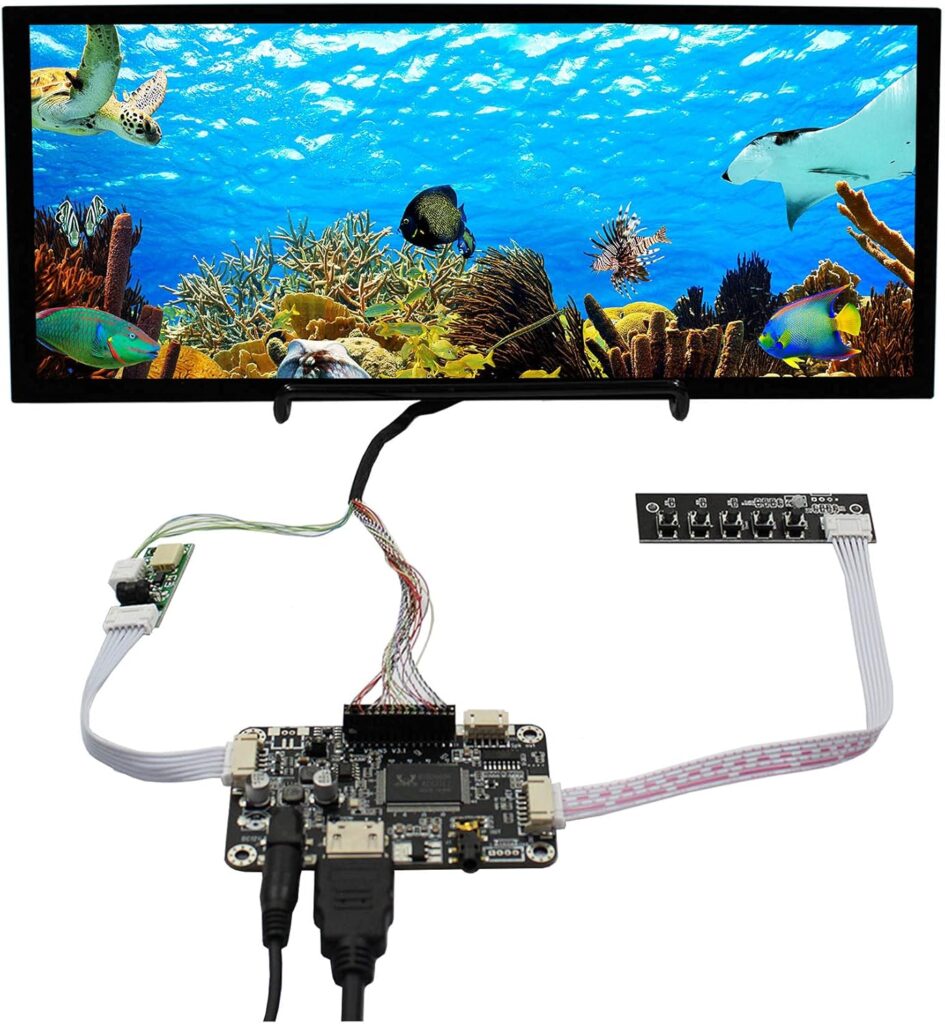
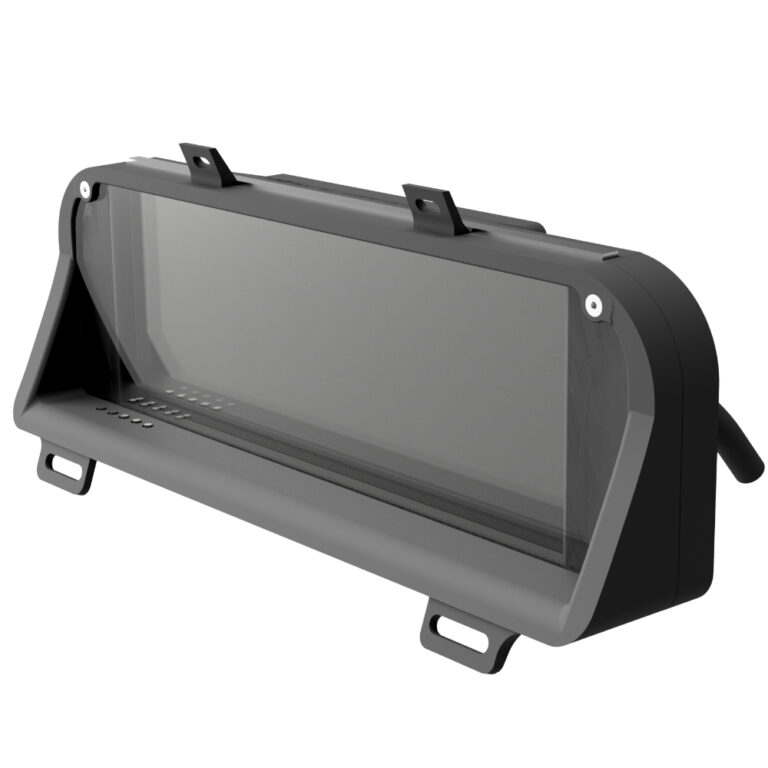
The King6fab dash display in the most basic explanation is an elegant way to hold a LCD screen with indicators in the factory gauge cluster position.
It was designed to look like it could have been a factory option, unlike other displays that look racer inspired with minimalist look often being affixed on top of a dashboard.
The dash display is simply a way to hold a LCD screen, it does not feature any software or tuning capabilities alone.
A way of thinking about it is, consider the dash display as comparable to a monitor you would buy for your desktop pc. Once you have the monitor you will need a device such as PC, Streaming stick, phone, gaming station, etc to display what you want on the monitor.
07. Dash Display Assembly Reference
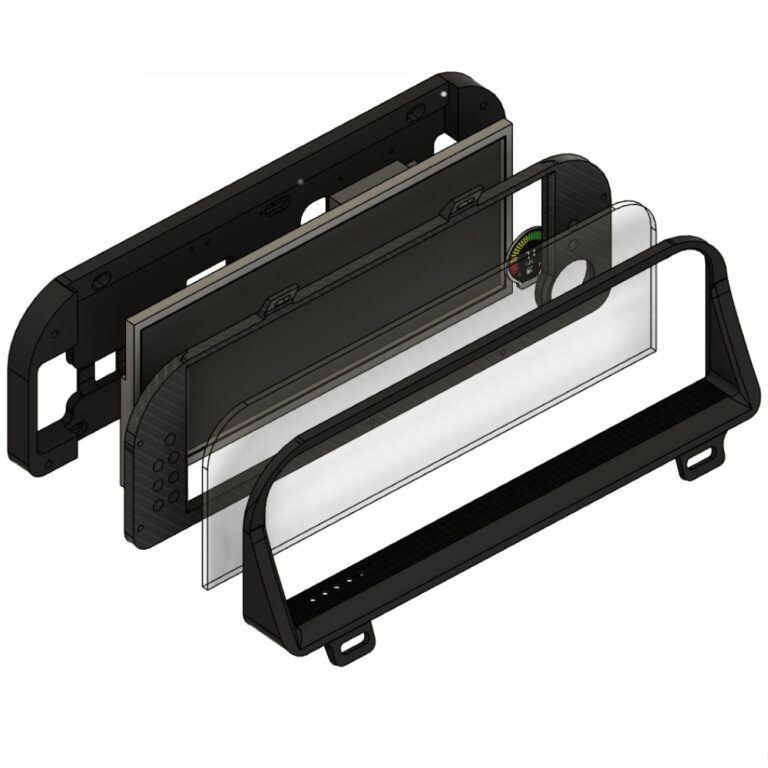
Outer Trim Bezel There are 4 Types of this bezel to choose from for 3D Printing: Screen Protector Bezel with Screen Buttons Screen Protector Bezel with Screen Buttons and Option Buttons…
2. 3D Printing the Dash Display
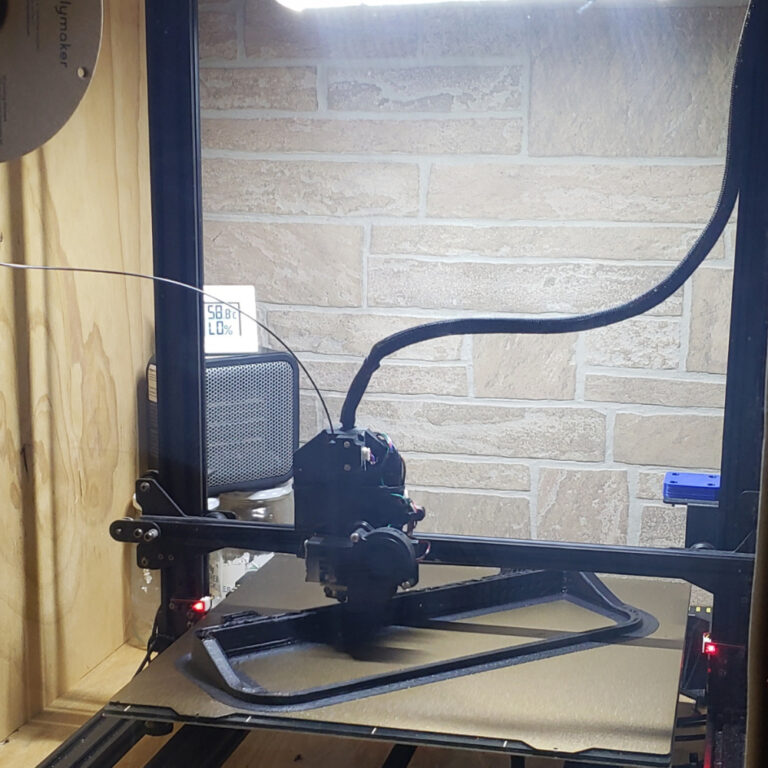
How I printed the dash display: I used a Anycubic Chiron with PEI Texture plate. I modified the chiron with a BIQU direct drive print head. I then built a plywood enclosure around the printer and use a cheap office heater to heat the enclosure. This printer is normally very slow so I used software to increase its speed with the direct drives faster ability. This improves the print time by 60% but the machine is very loud.
6.Recommended Display Device
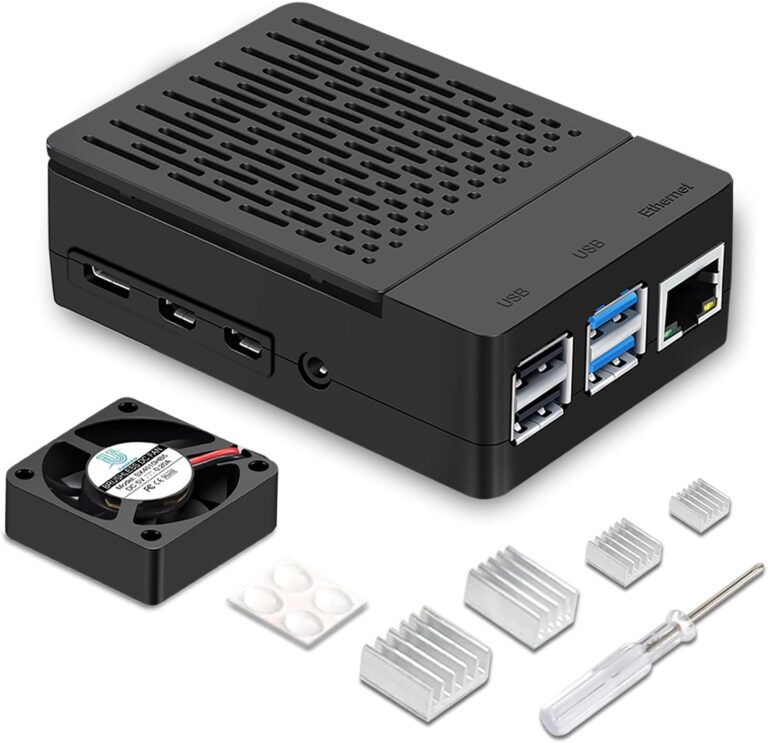
Recommended Device to Use with LCD Dash Display 1. Device A. I have found the best all around device to use is a RaspberryPi 4B(4GB). With this device you will need…