
PCV System
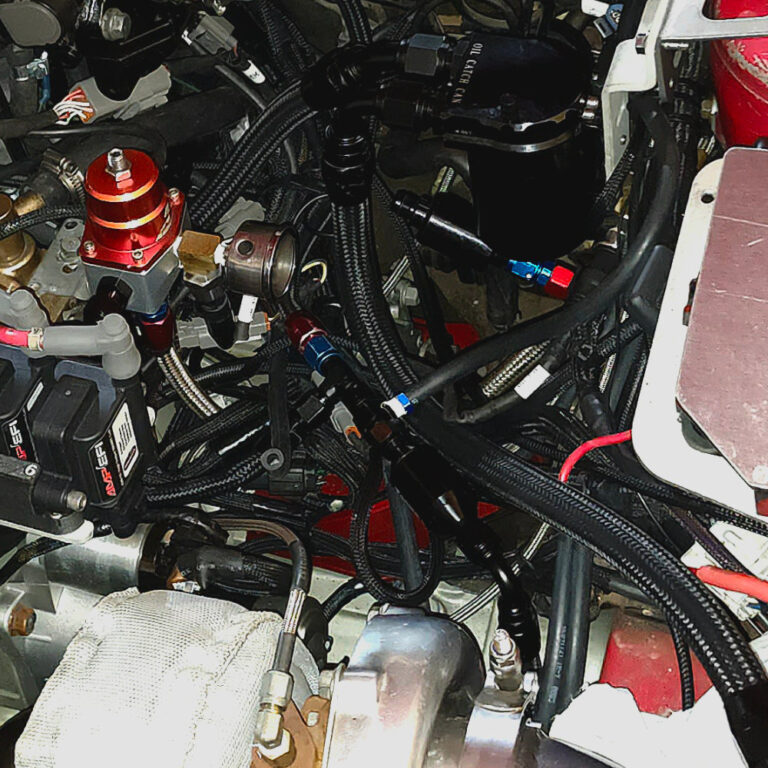
On my todo list has been the PCV system. I had previously used 6AN (3/8 ID) braided hose for all the connections, this included inlet from air filter and inlet to…
Injector Upgrade
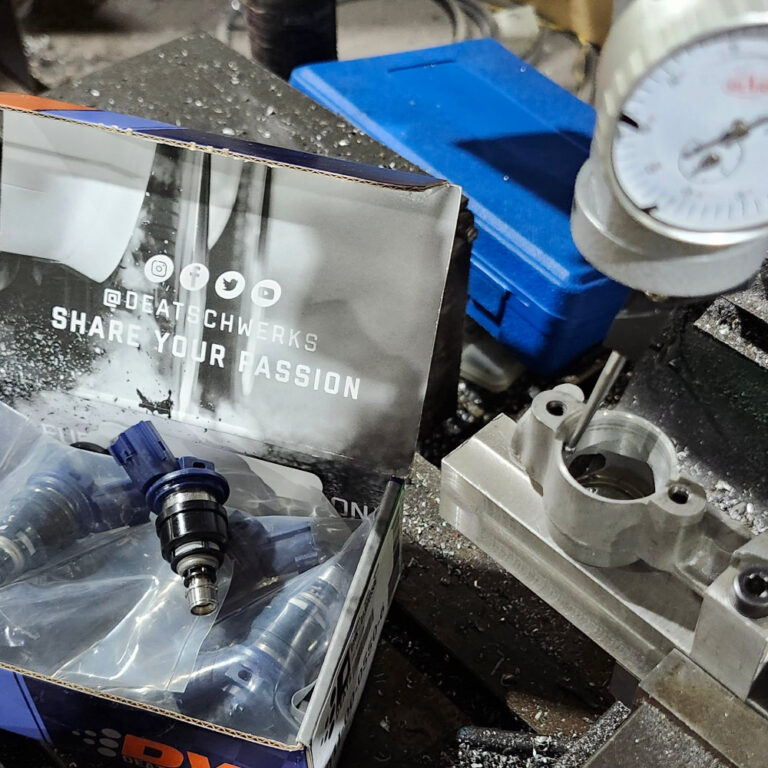
This upgrade was more of a preference than a necessity. While self tuning the car for knock detection i noticed some inconsistency’s at varied boost levels. Id sometimes hear pinging, sometimes…
Fan Settings
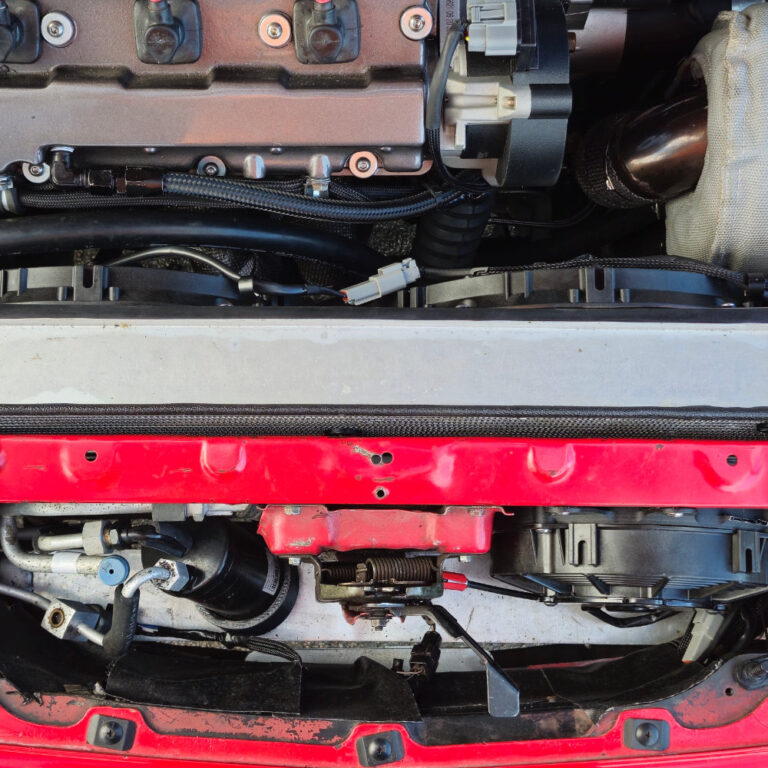
Setting up an efficient fan setup required fan settings that were also efficient. This took many revisons before I found the perfect configuration but atlas I’ve got it perfect. This is…
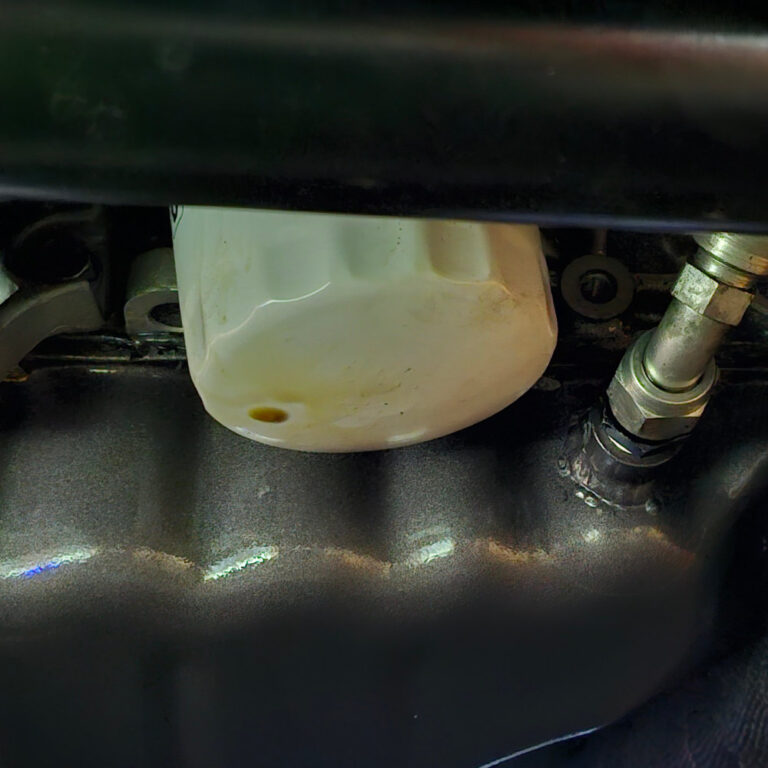
ZR1 Oil Filter Myth
The ZR1 oil filter has been long touted as an upgrade for the KLDE. I have used it since 2006 and ever since I have had a recurring problem, an oil…
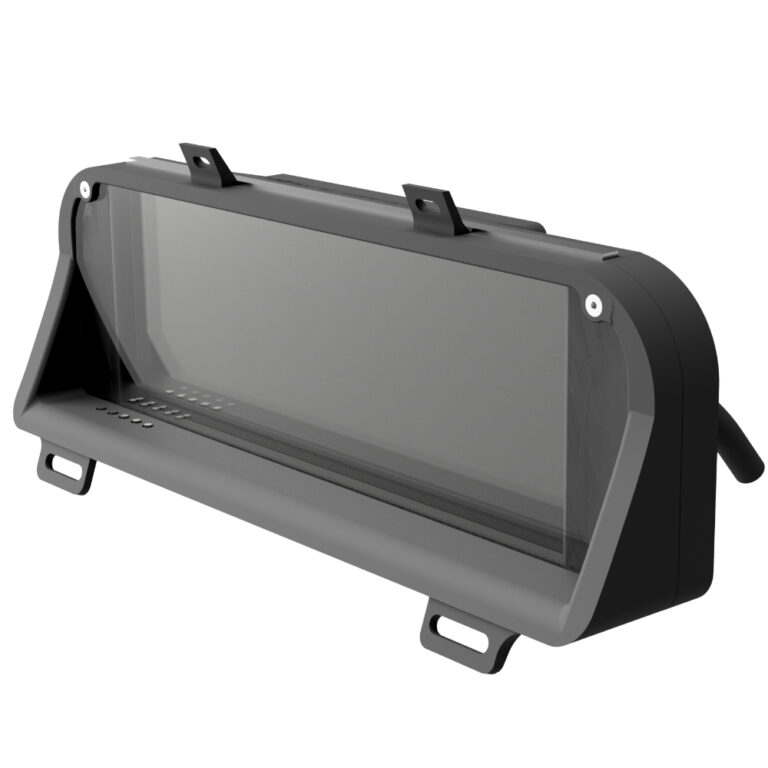
0. About The LCD Dash Display
The King6fab dash display in the most basic explanation is an elegant way to hold a LCD screen with indicators in the factory gauge cluster position.
It was designed to look like it could have been a factory option, unlike other displays that look racer inspired with minimalist look often being affixed on top of a dashboard.
The dash display is simply a way to hold a LCD screen, it does not feature any software or tuning capabilities alone.
A way of thinking about it is, consider the dash display as comparable to a monitor you would buy for your desktop pc. Once you have the monitor you will need a device such as PC, Streaming stick, phone, gaming station, etc to display what you want on the monitor.
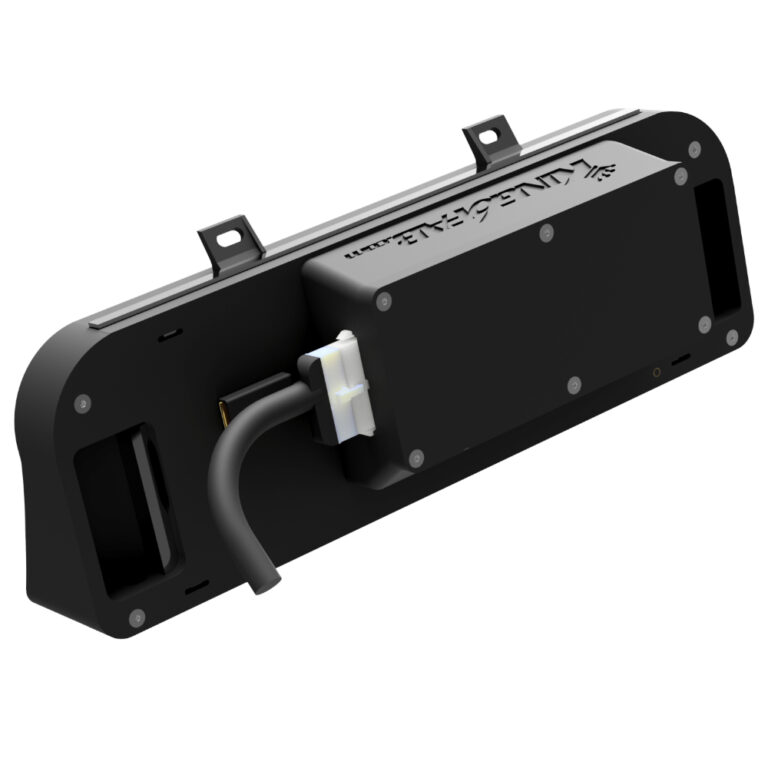
1. Dash Display Purchase Guide
This guide is for referencing the various components/parts needed for purchase and how to wire them to the cluster.
All Links in this guide are non affiliate and are used as a reference only, Substitutions can be made at your discretion.
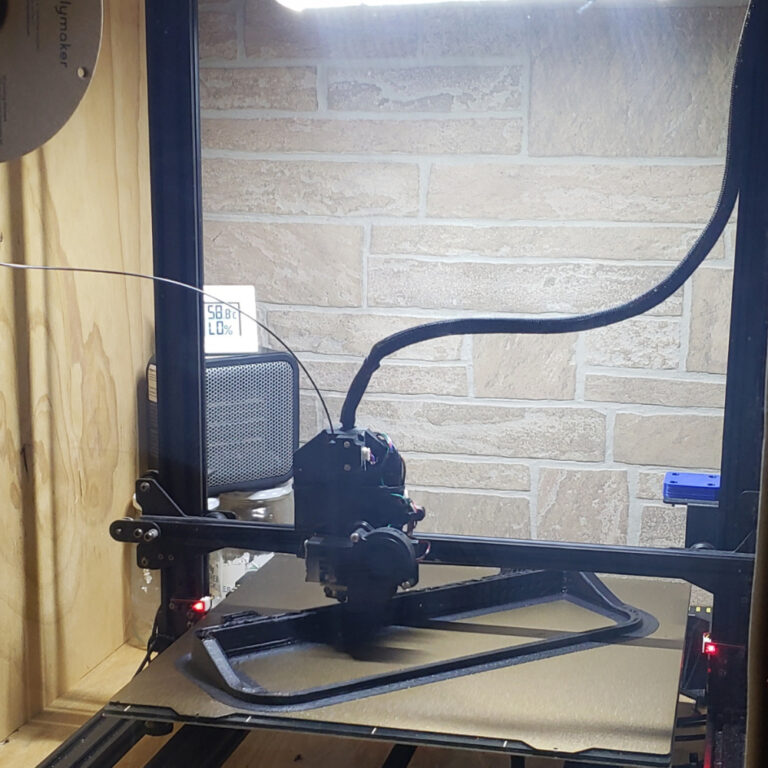
2. 3D Printing the Dash Display
How I printed the dash display: I used a Anycubic Chiron with PEI Texture plate. I modified the chiron with a BIQU direct drive print head. I then built a plywood enclosure around the printer and use a cheap office heater to heat the enclosure. This printer is normally very slow so I used software to increase its speed with the direct drives faster ability. This improves the print time by 60% but the machine is very loud.
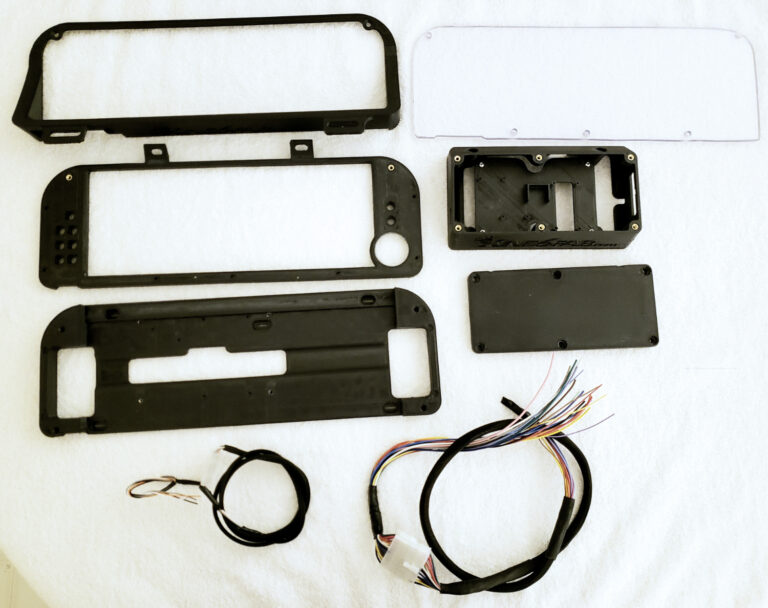
3. Dash Display Assembly Guide
Outer Trim Bezel Step 1. Assemble the outer bezel with heat set inserts. You will be using M3 Inserts for this process. Use the below picture to reference where the inserts…
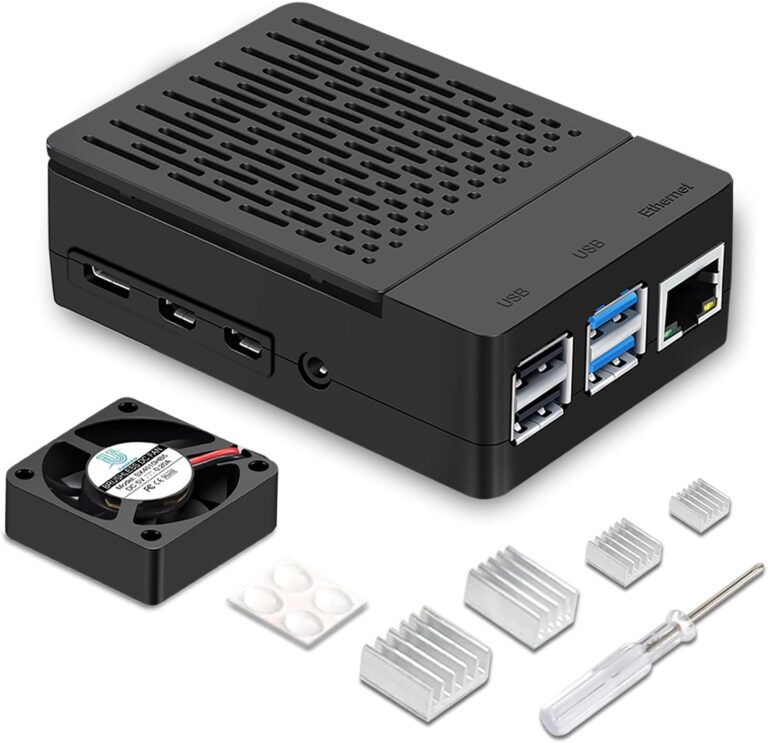
6.Recommended Display Device
Recommended Device to Use with LCD Dash Display 1. Device A. I have found the best all around device to use is a RaspberryPi 4B(4GB). With this device you will need…
End of content
End of content