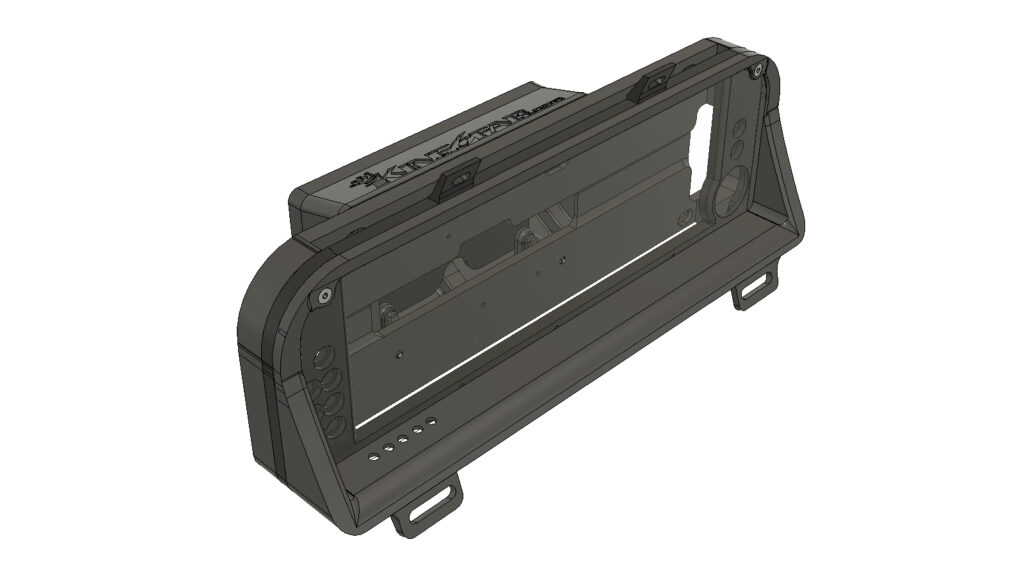
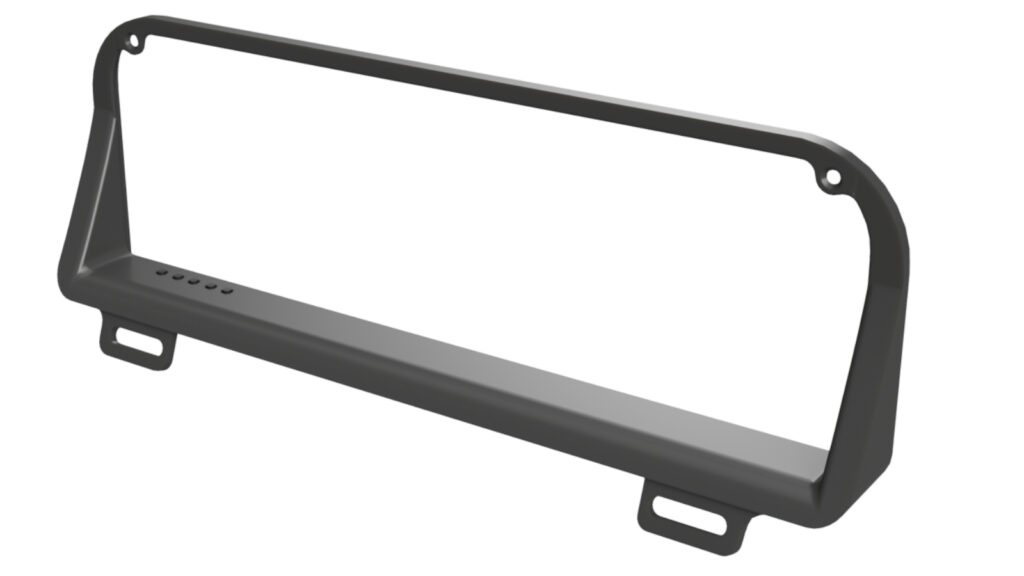
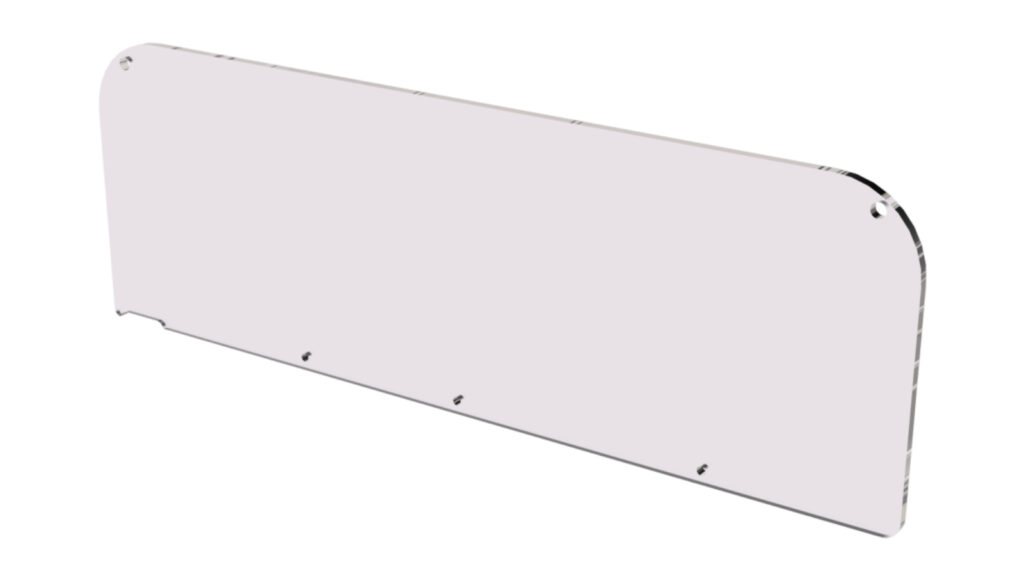
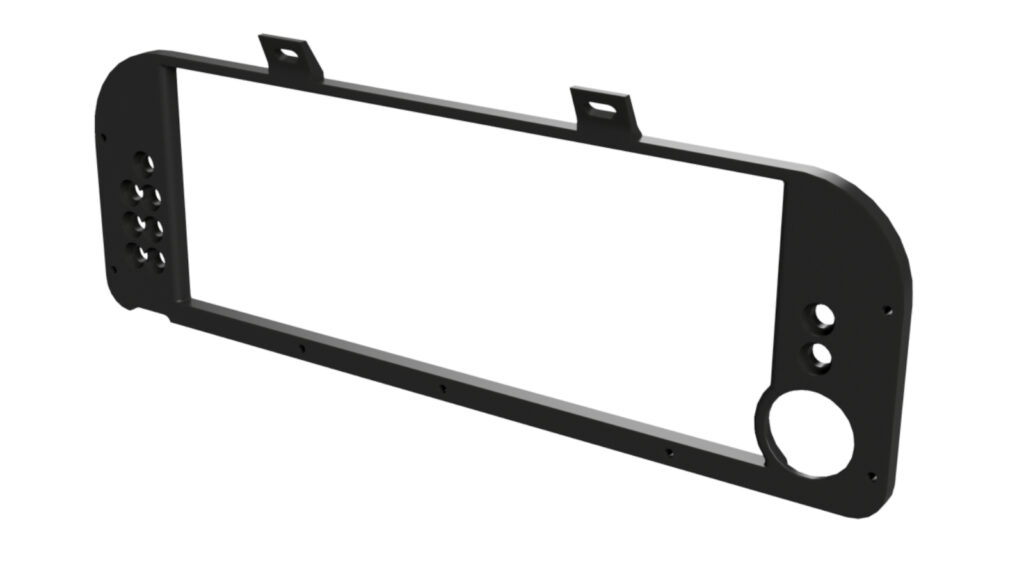
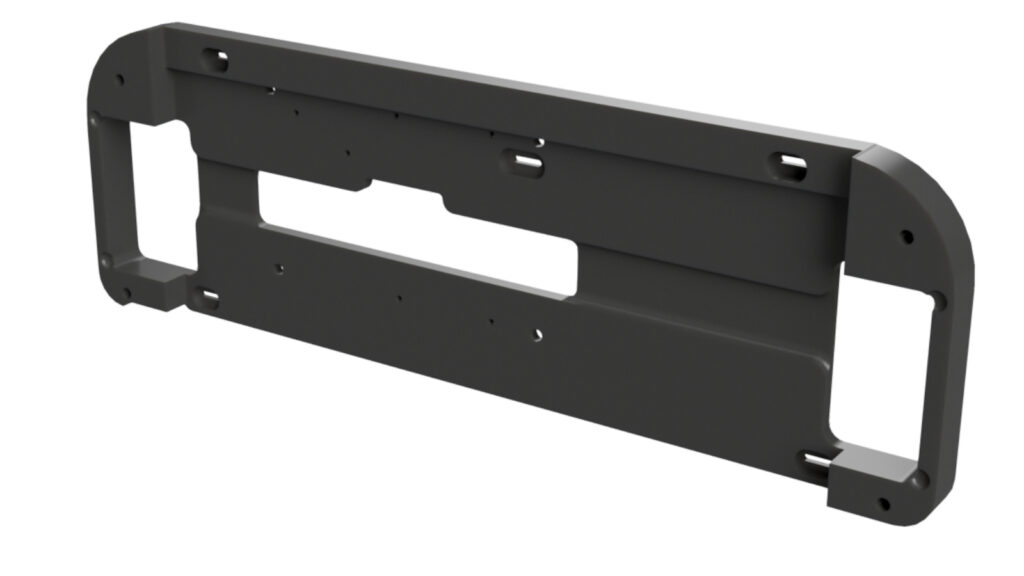
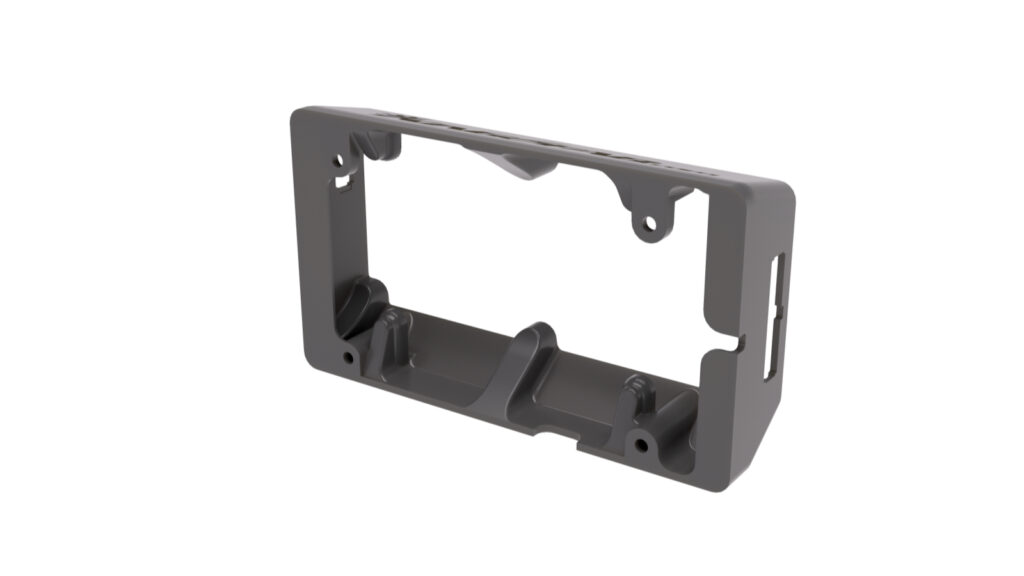
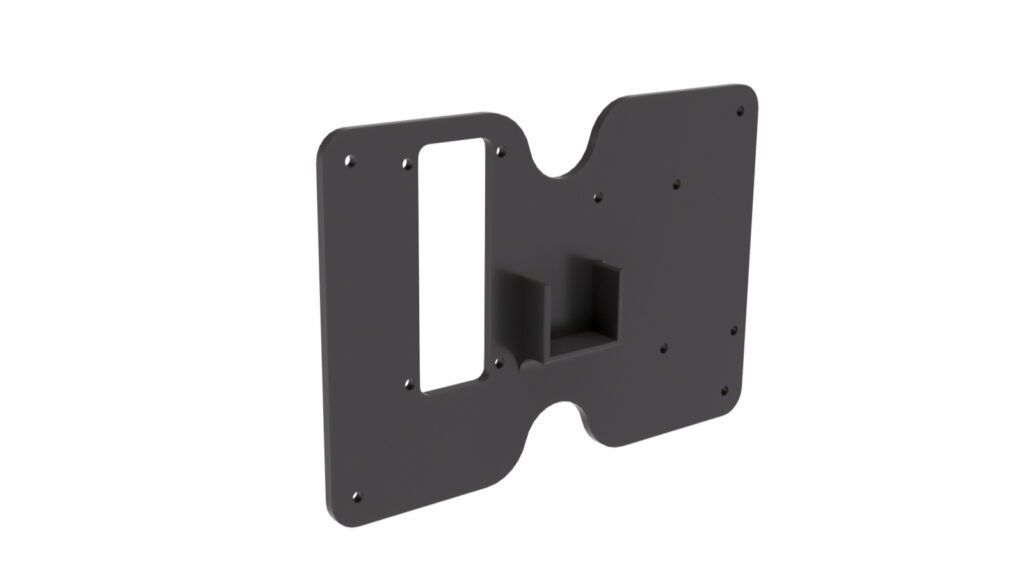
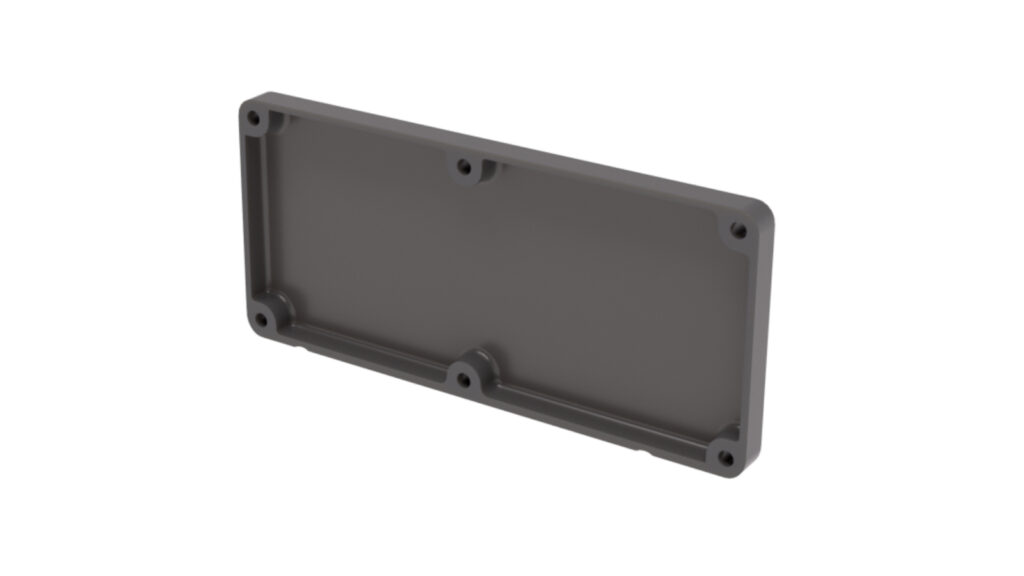

There are 4 Types of this bezel to choose from for 3D Printing:
3D Printing Suggestions: This bezel is best printed with the flat edge face down with tree supports for the mounting tabs only.
Included in the build files is a DXF file that will need to be cut by a service capable of cutting polycarbonate or plexi. The Material needs to be 3/16 ( .190) Thickness
There are 4 Types of this bezel to choose from for 3D Printing.
3D Printing Suggestions: This bezel is best printed with the flat edge face down with tree supports for the mounting tabs only.
The screen mount base is exactly that, it holds the screen in position and features channels behind the screen for routing indicator wiring and push button wiring.
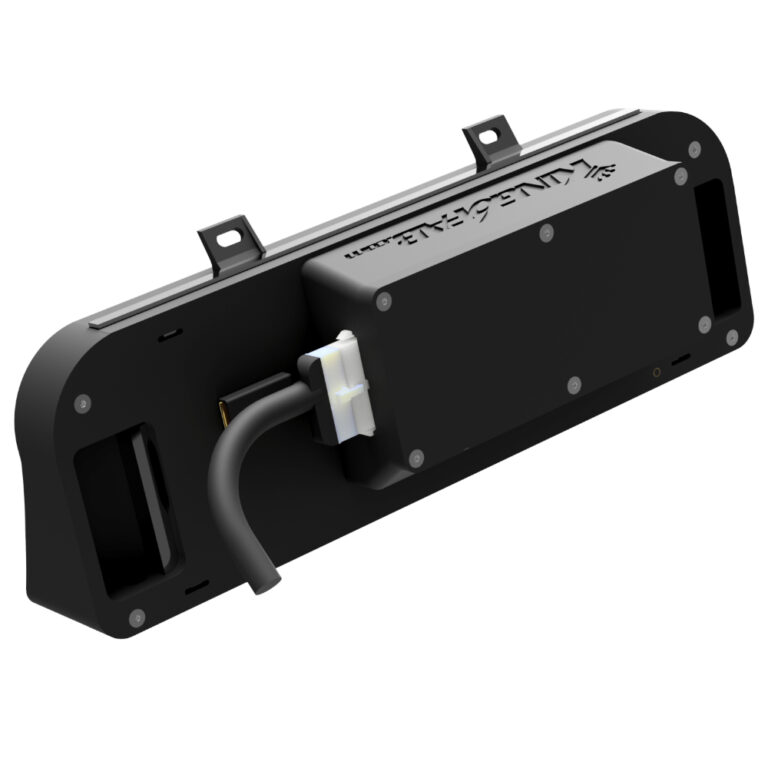
The electronic enclosure is designed to hold all the wiring for the indicators, as well as protect the screen control board and wiring. It features a shelf design that can hold a electronics pad that can hold a PCB board for options like a fuel gauge.
The electronics pad is an option that can be utilized for securing wiring and/or PCB options.
Use to seal off the Electronics Enclosure.
How useful was this post?
Click on a star to rate it!
Average rating 0 / 5. Vote count: 0
No votes so far! Be the first to rate this post.
We are sorry that this post was not useful for you!
Let us improve this post!
Tell us how we can improve this post?
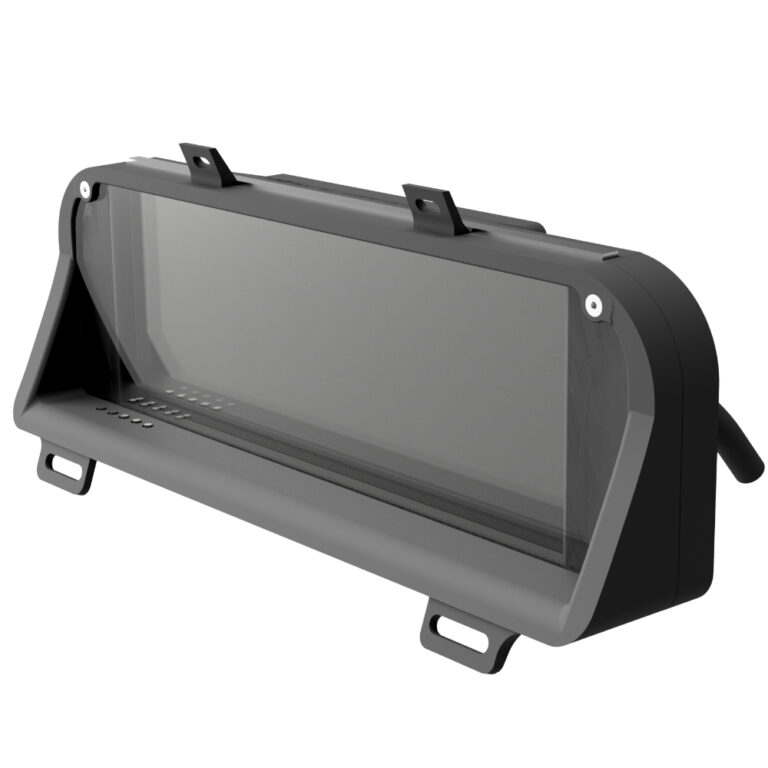
The King6fab dash display in the most basic explanation is an elegant way to hold a LCD screen with indicators in the factory gauge cluster position.
It was designed to look like it could have been a factory option, unlike other displays that look racer inspired with minimalist look often being affixed on top of a dashboard.
The dash display is simply a way to hold a LCD screen, it does not feature any software or tuning capabilities alone.
A way of thinking about it is, consider the dash display as comparable to a monitor you would buy for your desktop pc. Once you have the monitor you will need a device such as PC, Streaming stick, phone, gaming station, etc to display what you want on the monitor.
Below is the pinout of the stock gauge cluster connectors by connector color and orientation. This information can be utilized for connecting external and software driven indicators. OEM Gauge Cluster Connector…
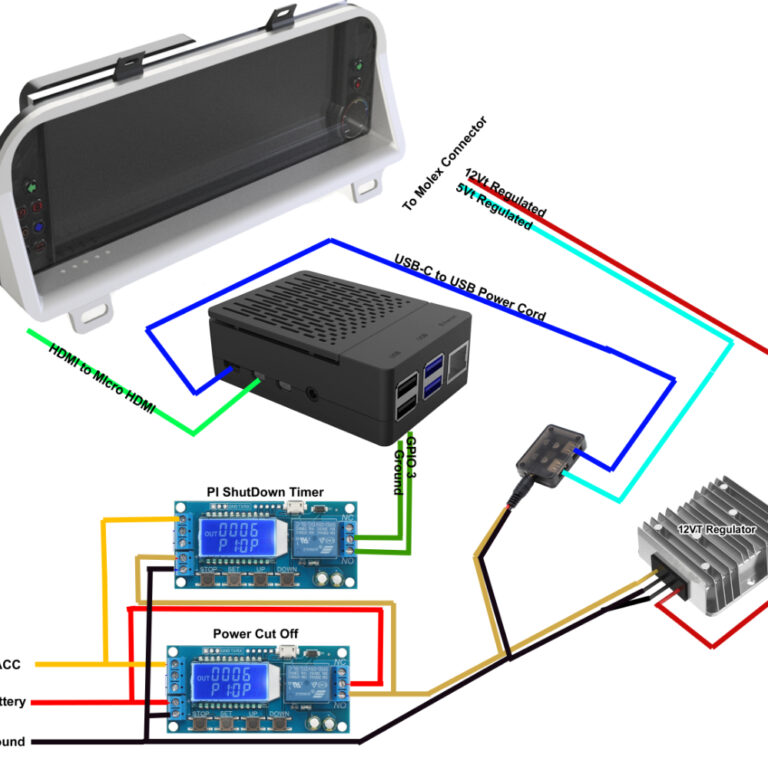
This guide is for referencing the various components/parts needed for purchase and how to wire them to the cluster.
All Links in this guide are non affiliate and are used as a reference only, Substitutions can be made at your discretion.
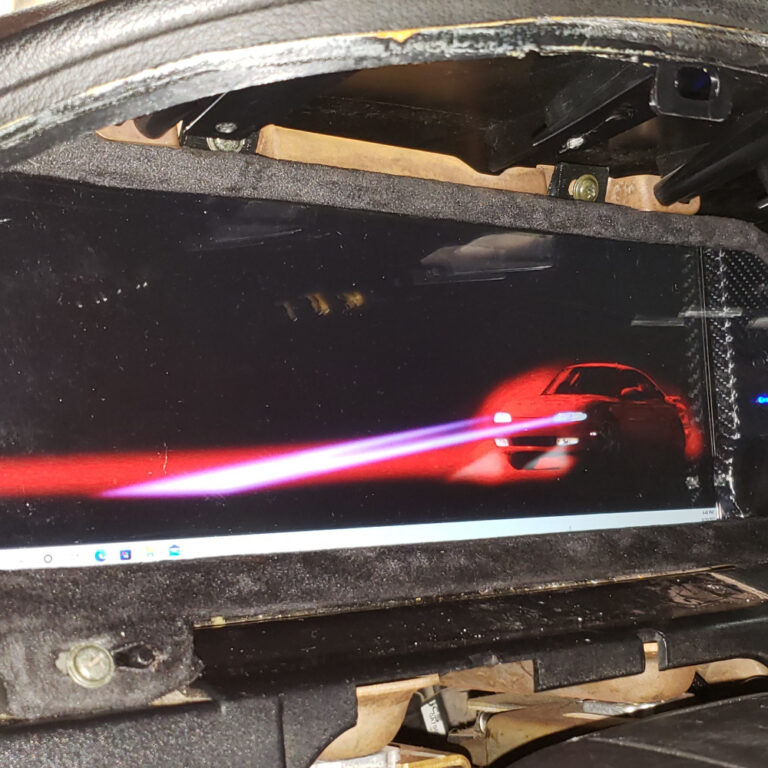
Vehicle Installation It is recommended to bench test your Dash Display if your able to. This can be done by simply connecting the Screen power input to 12volts and plugging the…
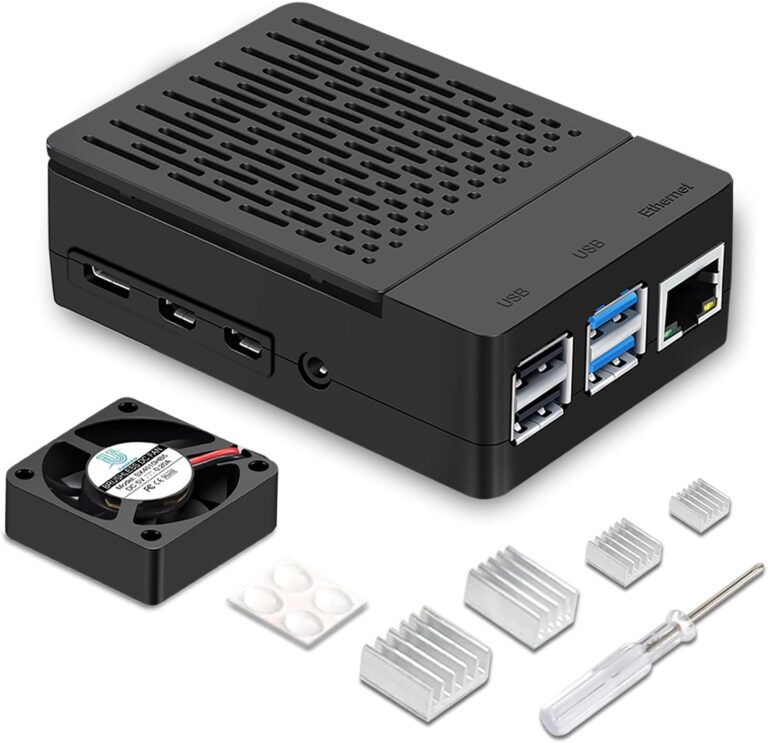
Recommended Device to Use with LCD Dash Display 1. Device A. I have found the best all around device to use is a RaspberryPi 4B(4GB). With this device you will need…
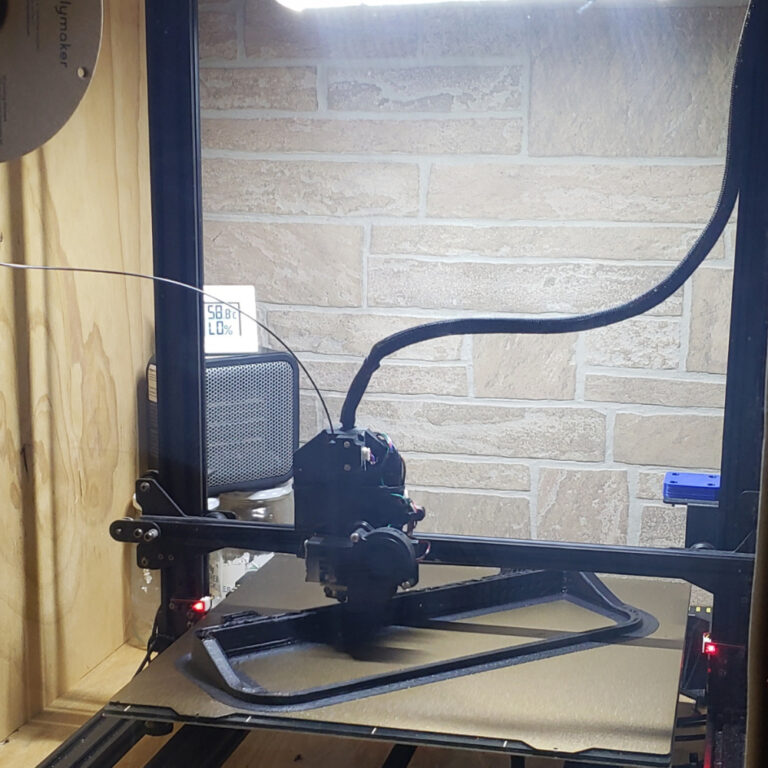
How I printed the dash display: I used a Anycubic Chiron with PEI Texture plate. I modified the chiron with a BIQU direct drive print head. I then built a plywood enclosure around the printer and use a cheap office heater to heat the enclosure. This printer is normally very slow so I used software to increase its speed with the direct drives faster ability. This improves the print time by 60% but the machine is very loud.
No products in the cart.